 FoxStoria
Reading Buddy for kids
A reading buddy, page by page.
Let your child have a go. If a word holds things up, offer to read it together. The rest of the story can wait.


Choose a familiar page
Start with a story your child already likes. Offer to take the longer sentences yourself.
Ask before stepping in
“Would you like to try it, or shall we read it together?” A pause does not have to become a correction.
Hand the story back
Read the tricky word or phrase, then let your child choose whether to repeat it or carry on.
What the app’s Reading Buddy does
Reading Buddy listens while a child reads aloud in the app. When it offers help, the child can choose to hear the phrase and try it again.
Sit together for the first story. Check that the microphone is allowed, keep background sound low, and leave the controls within reach. If the app misses a word, carry on together or switch to narration.
Voice recognition is not a judgment of your child’s reading. Accents, background noise, and quiet speech can affect what it hears. You can always read the page yourselves.
Parent questions
Does my child need to read independently?
No. You can take turns or read most of the page yourself. If your child would rather listen, use narration and try reading aloud another day.
What if the app does not hear a word correctly?
Move closer to the device and reduce background sound. If it keeps happening, read together or use narration. Repeating a word for the microphone is not a useful measure of reading ability.
Does Reading Buddy listen in every story language?
Reading Buddy listens to English and Russian. For Arabic stories, read together or choose narration.
More ways to share a story
Reading aloud is one option. Listening or hearing a familiar voice can be the right choice, too.
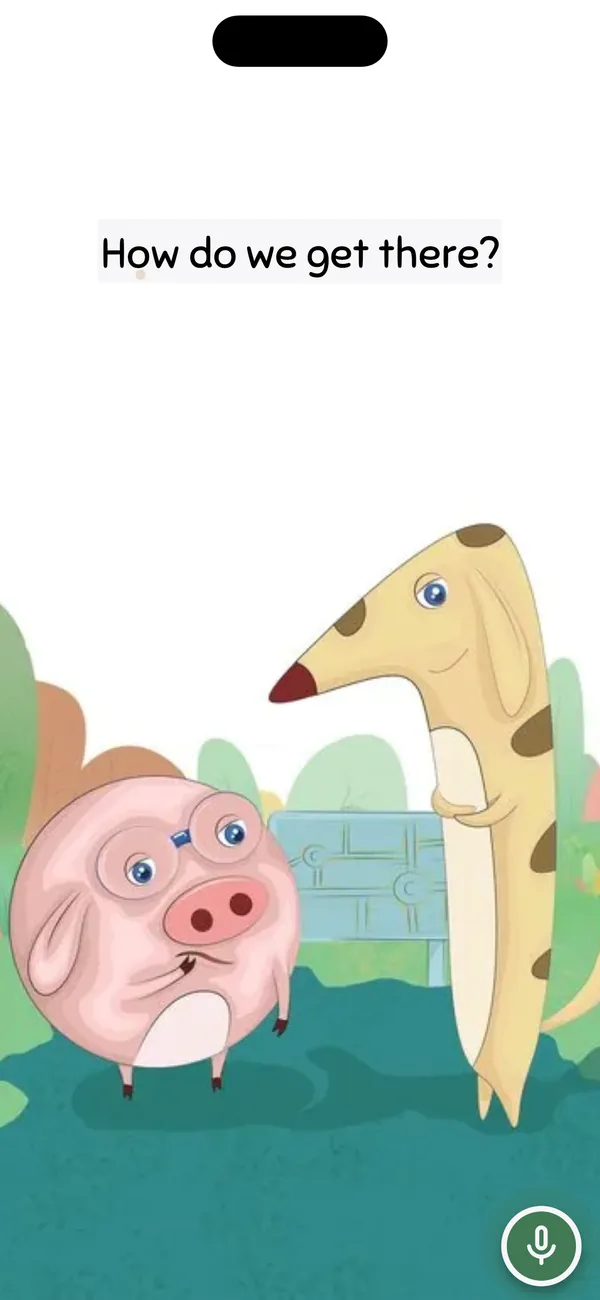
Try one page together.
Reading Buddy is in the FoxStoria mobile app: open an English or Russian picture book and tap Practice. Sit nearby and let your child decide how much to read.